
WordPress to Next.js Migration - Process
We move content and functionality from WordPress to Next.js, preserving the URL map, redirects, and analytics. Technical migration after SEO risk analysis.
fromPLN 8,000
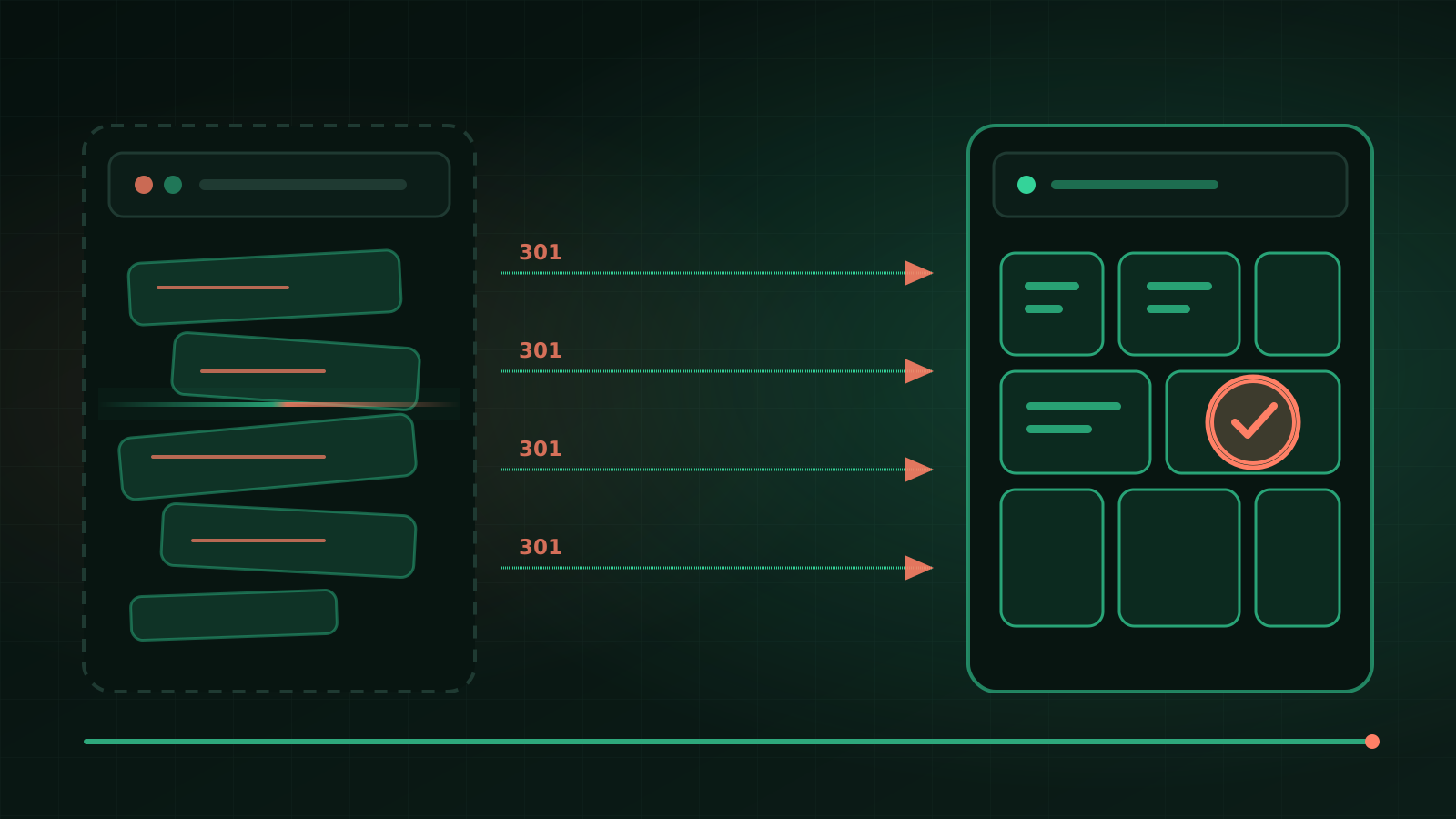
WordPress to Next.js migration means moving content, URLs, functionality, and the publishing process to a new technical foundation with controlled SEO risk. It's not a simple database export or a guarantee of a faster site. The benefit appears when the new architecture removes concrete limitations of the current service and is properly maintained.
When you need this
- Performance and stability remain problems despite cleaning up hosting, theme, and plugins.
- Maintenance costs keep rising due to plugin conflicts, updates, and undocumented dependencies.
- You want to add product features or AI to the site, and WordPress is becoming a constraint, not a help.
- You need precise control over the frontend, deployments, integrations, or data model.
- You're planning a larger content and architecture change, so migration cost can be combined with a real rebuild.
When to stay with WordPress?
Stay with WordPress when the team relies on the panel, standard plugins cover requirements well, the service can be updated safely, and the problem stems from one bad theme or hosting. Then WordPress modernization may yield a better return than a full rewrite.
Consider Next.js when the service must grow into a product, features are atypical, deployment method is critical, or the cost of maintaining the current build keeps recurring. Choosing Next.js alone doesn't solve these — proper architecture and maintenance are required.
What you get
- inventory of all accessible URLs, templates, content, and functions;
- decisions: keep, rewrite, merge, redirect, or retire;
- a new Next.js site with an agreed content source;
- a single-hop 301 redirect map and canonical URL control;
- tests for forms, integrations, metadata, structured data, and performance;
- a cutover plan, monitoring, and rollback capability for critical errors;
- documentation for publishing and maintenance post-migration.
A content site migration costs approximately 8 000–30 000 zł. If application features, panels, or complex integrations are built alongside migration, the scope typically falls within 30 000–90 000 zł.
What does a safe migration look like?
- Baseline. We record indexed URLs, key queries, traffic, errors, and performance before the change.
- Inventory. We combine data from archives, sitemaps, analytics, links, and actual content.
- Decision map. Every old URL has an explicit fate and a topically appropriate target.
- Parallel build. We recreate functions and content without touching production.
- Cutover test. We verify redirects, forms, canonical URLs, sitemap, and rollback capability.
- Monitoring. After launch we watch 404s, indexing, and queries instead of declaring migration done on deployment day.
Technologies are described in stack, and the responsibility model in process.
What can we show on our own example?
This site is our own implementation of the method: URL archive, editorial decisions, machine-generated redirect map, content in the repository, and pre-publish validation. It's proof of process, not a promise of identical results for another domain. SEO impact is assessed only after post-cutover data collection.
When would migration be a mistake?
When the problem would be solved by updating hosting, theme, or a few plugins — rewriting the system would increase cost without value. It's also not worth migrating without a content owner, a complete URL list, and a post-change publishing plan. We diagnose the current foundation first.
Submit the site URL, editing method, and biggest constraint in the brief. If migration should lead to a panel, booking system, or custom process, we'll combine it with the scope of a dedicated application.
FAQ
Will I lose Google rankings?
Every migration carries a risk of visibility changes, so we don't guarantee position retention. We minimize risk through a full URL inventory, single-hop 301 redirects, preservation of key content, testing, and post-launch monitoring.
Who will edit content after migration?
By default, content lives in the repository — publishing then requires a deployment, so we handle it or your developer does. If a non-technical person needs to add content, we add a lightweight editorial panel. We discuss this before quoting because it's a real trade-off, not a detail.
How long does migration take?
A content site typically takes a few weeks, including URL cleanup and content rewriting. Migration combined with expansion into an application takes longer and we run it in phases.
Do we have to migrate everything at once?
Not always. Phased migration is possible but requires clear boundaries, canonicalization, and a plan for maintaining both systems. For a small site, a single controlled cutover is often safer than a prolonged transitional state.
Can I still have a content panel after migration?
Yes, if editorial needs one. Next.js can pull content from a lightweight CMS or another source. We factor the choice into architecture because it affects cost, security, and publishing workflow.